Passport size photo dimensions are 35 mm wide by 45 mm tall in most countries, including for many applications in Pakistan, with the face taking up roughly 70 to 80 percent of the height. In pixels that is about 413 by 531 pixels at 300 dots per inch, and about 600 by 600 pixels for some online forms that ask for a square photo. Always check the exact instructions on your form first, because the size, background colour and file size limit can all differ. For the Pakistan-specific sizes and portals, see our passport photo size Pakistan guide, and for a ready-made tool, see our passport photo maker guide.
The problem is that "passport size" sounds like one standard, but it is not. Different countries, different portals and even different forms in the same country ask for different dimensions, different backgrounds and different file sizes. A photo that is perfect for one form gets rejected by the next, often with a message that does not say which rule you broke.
This guide walks you through four steps: find the exact dimensions your form wants, prepare a photo at that size, set the background, and check the file before you submit. The examples use the free passport photo maker, image resizer and crop tool on ClickOnTool, which process files inside your browser so they never leave your device.
The common passport sizes, and why they differ
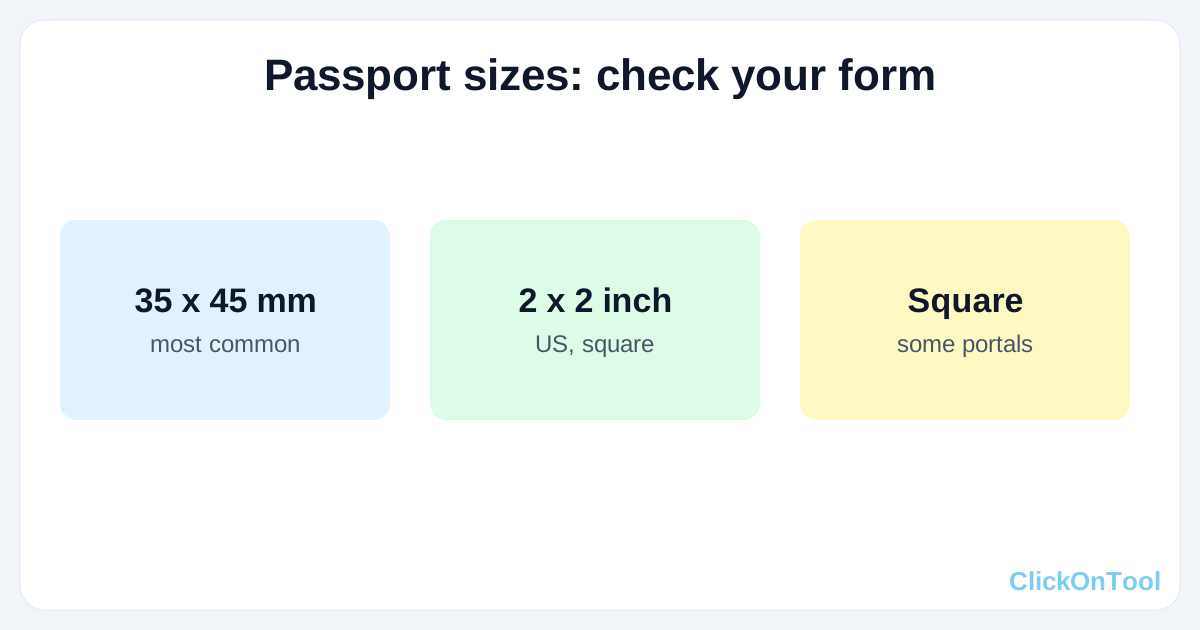
The most widely used passport photo size is 35 x 45 mm. That is the size used for passports in many countries, and it is a good starting point when a form just says "passport size" without numbers. But it is not the only one.
- 35 x 45 mm (about 1.38 x 1.77 inches): the common passport and visa size in many countries. At 300 dots per inch, about 413 x 531 pixels.
- 2 x 2 inches (51 x 51 mm): the US visa and passport size, square rather than rectangular. At 300 dots per inch, 600 x 600 pixels.
- 35 x 35 mm: a square size some forms ask for, especially online portals that display a square thumbnail.
- 33 x 48 mm or 35 x 45 mm with a white background: variations used by some visa and exam forms. The numbers look close, but a form that checks dimensions exactly will reject the wrong one.
Online forms add a second set of rules on top of the physical size: pixel dimensions, file format (usually JPG), and a file size limit (often 200KB or less). A photo can be the right physical size and still be rejected because the file is 2 MB or the format is PNG. Check all three: dimensions, format and file size.
What a good passport photo looks like, whatever the size
- Face forward, both eyes open, neutral expression, mouth closed. No sunglasses, no hat, no hair covering the face.
- Plain, light background, usually white or off-white. Some forms ask for a blue background instead — that variation is covered in a later guide.
- Even lighting, no shadows on the face or the background, no red-eye, no glare on glasses if you wear them.
- Head and shoulders only, face centred, with a small margin above the head. The face should take up roughly 70 to 80 percent of the photo height.
- Recent photo, in focus, not blurry, not taken from a screenshot of another photo.
Take the photo against a plain white wall in daylight, facing a window. That one choice fixes most lighting and background problems before you even start editing.
Step 1. Find the exact dimensions your form wants
Do not guess. Open the form instructions and look for four numbers: width and height (in mm or inches), background colour, file format, and maximum file size. If the form gives pixel dimensions, use those directly in the resizer. If it only gives mm, convert at 300 dots per inch: divide mm by 25.4 to get inches, then multiply by 300 to get pixels. For 35 x 45 mm, that is about 413 x 531 pixels.
- Passport or visa form: usually 35 x 45 mm, white background, JPG, under 200KB.
- Online job or exam portal: often a square or 35 x 45 mm photo, JPG, under 200KB or under 100KB.
- If the form says "passport size" with no numbers at all, use 35 x 45 mm, white background, JPG, and aim for under 200KB. That combination is accepted most often.
Step 2. Crop and resize to the exact size
- Open the crop tool and crop to the shape your form wants: rectangular for 35 x 45 mm, square for 2 x 2 inches. Keep the face centred and leave a small margin above the head.
- Open the image resizer and set the exact pixel dimensions, with the aspect ratio locked to the shape you just cropped. Do not stretch a rectangular photo into a square, or a square into a rectangle — the face will look wrong and the form may reject it.
- If the file is still too big after resizing, compress it with the image compressor at 75 to 80 percent quality, working from the resized original, and aim for 180 to 190KB so either way of counting kilobytes accepts it.
The passport photo maker combines these steps for the common sizes, if you would rather not do the crop and resize by hand. Either way, the result is the same: a photo at the exact dimensions, not approximately the right size.
Step 3. Set the background correctly
Most forms want a plain white background. If your photo was taken against a coloured wall, you have two choices: retake it against a white wall, which is almost always better, or change the background with an editing tool. Changing a background can leave a halo around hair, so check the edges at 100 percent zoom before you submit.
Some forms ask for a blue background instead of white. Do not assume white is always right. Read the instructions again, and if blue is required, use a plain blue background, not a patterned one, and keep the face lighting the same.
Step 4. Check everything before you submit
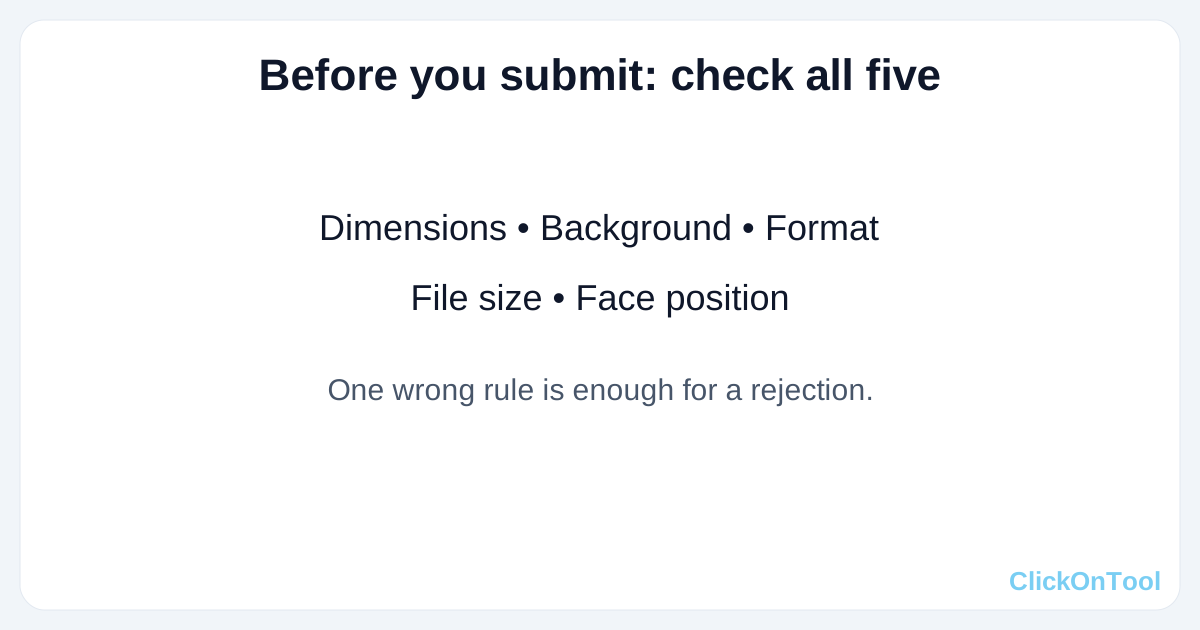
- Dimensions: does the file match the width and height the form asked for, in pixels?
- Background: plain, correct colour, no shadows, no objects behind you?
- Format: JPG, unless the form explicitly allows PNG or WebP?
- File size: under the limit, ideally 180 to 190KB if the limit is 200KB?
- Face: forward, centred, both eyes visible, 70 to 80 percent of the height?
- Quality: sharp at 100 percent zoom, no blur, no heavy compression blocks on the face?
Save the final photo with a clear name, such as passport-photo-35x45.jpg, and keep the original untouched. If the form rejects the file, you can adjust from the original instead of starting again.
Getting the dimensions right
Passport size photo dimensions are usually 35 x 45 mm, but the only safe answer is the one on your form. Find the exact dimensions, background, format and file size first, then crop, resize and check, in that order. Try the free passport photo maker on ClickOnTool, and for Pakistan-specific portals and sizes, read our passport photo size Pakistan guide. Our passport photo maker guide walks through the tool itself, step by step.